
Add a supplier
Keep a register of who you buy from.
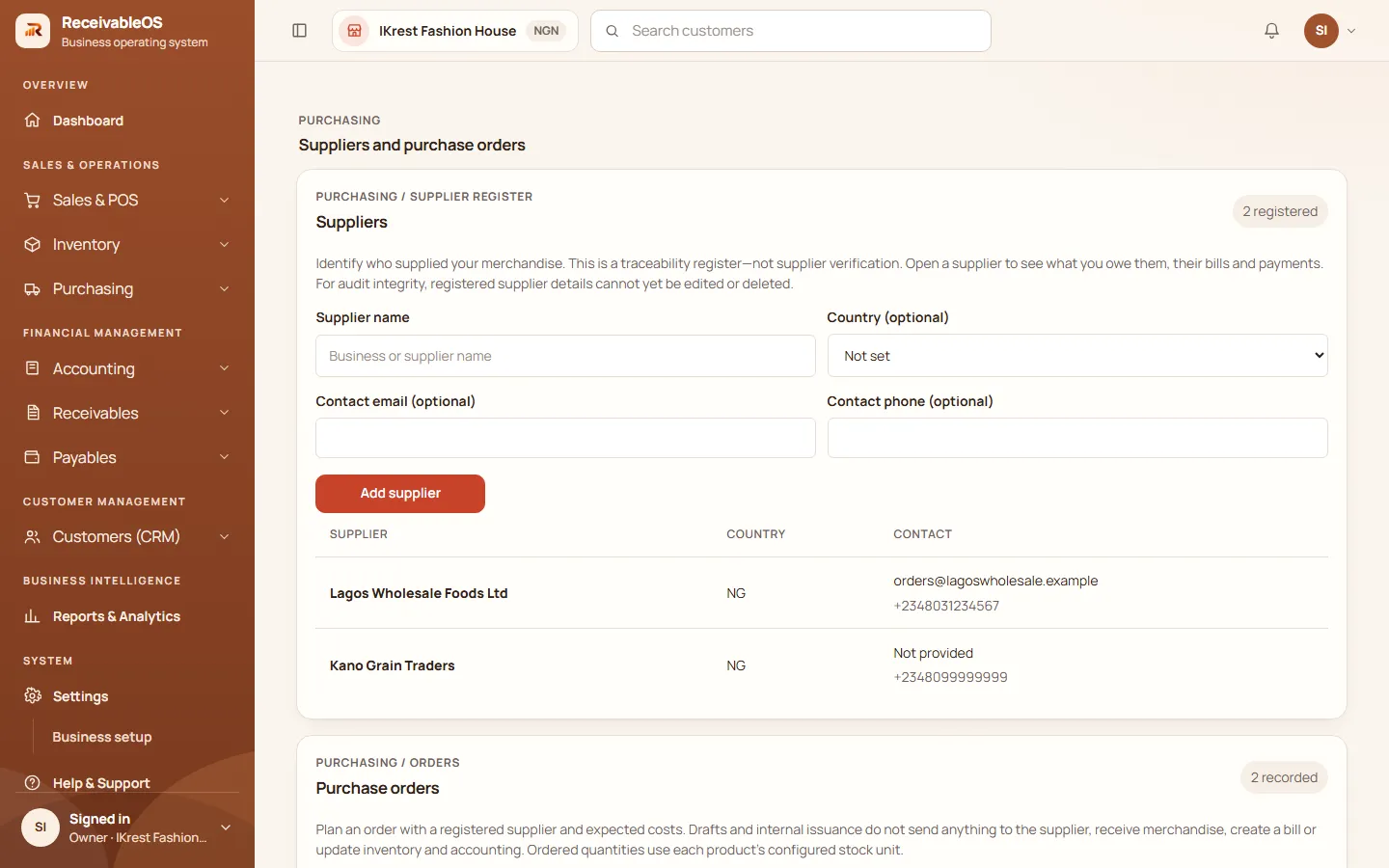
Steps
- Open Purchasing.
- Enter the supplier name, and if you like their country, email and phone.
- Choose “Add supplier”.
- Open a supplier to see what you owe them, their bills and payments.
Not available yet
- Supplier details cannot be edited or deleted yet once saved, so check them before you save.