Fast checkout
Find a product by name or SKU, or scan a SKU into the same box. Each line shows quantity, unit price and a running total, so the customer sees what they are paying.

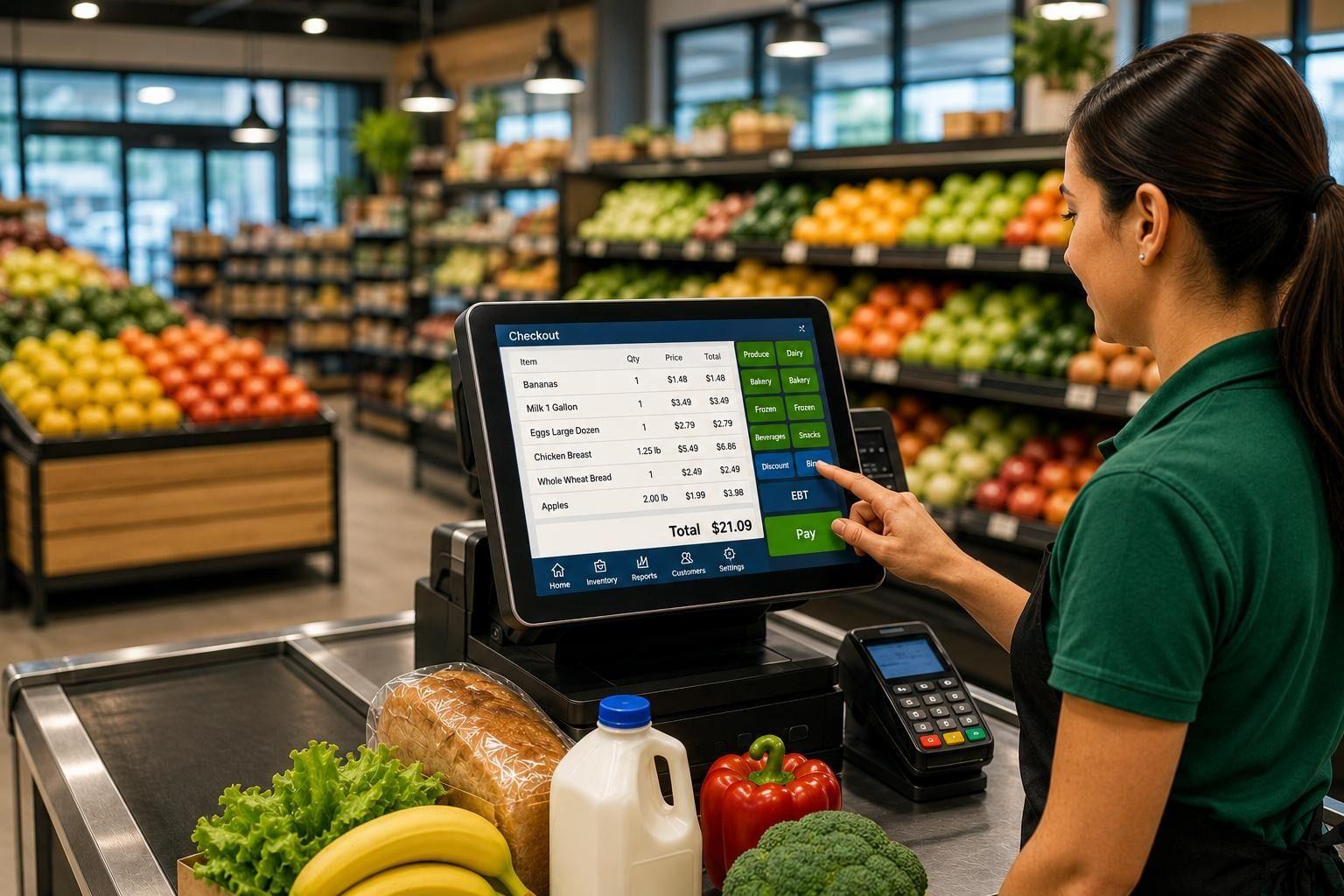
Point of Sale
Open a shift, ring up sales, take cash or transfer, and close the day knowing exactly what should be in the drawer.
What it does
From the first item to the last receipt, the till handles the details so your staff can look at the customer, not the screen.
Find a product by name or SKU, or scan a SKU into the same box. Each line shows quantity, unit price and a running total, so the customer sees what they are paying.
Take cash and the till works out the change. Take a bank transfer, or split one sale between cash and transfer. Customers can also spend store credit they hold.
Owner discounts apply as a fixed amount or a percentage and appear on the sale, so a price change is never a mystery later.
Set up a register for each till, such as Front counter. Open a shift with the opening cash, and every sale is recorded against that shift.
Park a basket when a customer steps away, serve the next person, and pick the first sale up again when they return.
Look up the original receipt and return items inside your returns policy. Refund in cash, issue store credit, or swap for another product, cheaper or more expensive.
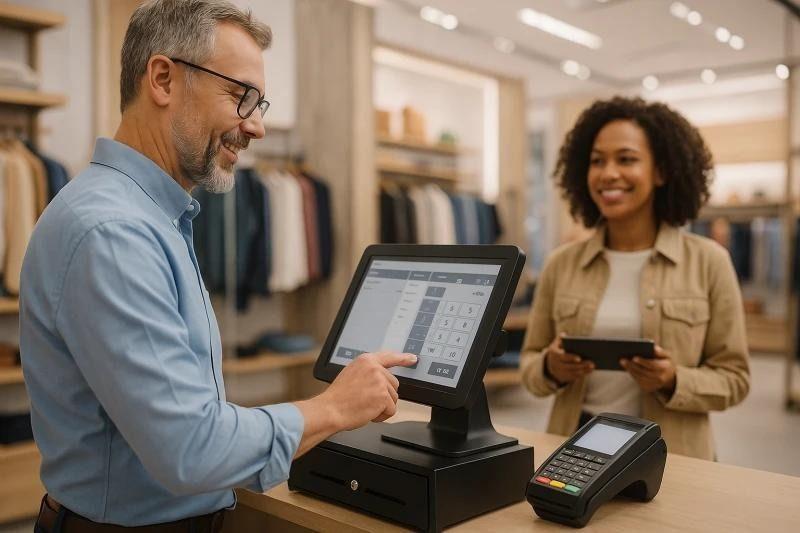
For shops of every kind
Whether you sell clothes, phones or provisions, checkout works the same way: find the product, take payment and close the shift.
Shift close
When the shift ends, the cashier counts the drawer. ReceivableOS shows what should be there, what was counted and the difference, along with any cash that moved in or out that was not a sale.
Returns and exchanges
Every return starts from the original receipt, so you can see what was bought, when, and whether it is still inside your return window. The refund and the cash drawer line up with it.
How it works
The till follows the rhythm of a real trading day, so nothing is left to piece together at night.
Once
Give each till a name and a code, such as Front counter and TILL-1.
Morning
Enter the opening cash in the drawer. Every sale from now on belongs to this shift.
All day
Ring up baskets, take payment, and park a sale when someone needs a moment.
When it happens
Find the receipt, choose what comes back and refund, credit or exchange.
Evening
Count the drawer, compare it with what was expected and close the shift.

Built for the conversation
Quick checkout, held sales and clear returns mean fewer pauses at the counter, so your staff can give their time to the person in front of them.
Works with the rest
Every sale uses up stock automatically, and items running low show up for restocking.
Explore InventoryEach sale is recorded in your books behind the scenes, so reports are ready without extra typing.
Explore AccountingAttach a sale to a customer to keep their purchase history and store credit together.
Explore CRMPlans
Point of sale comes with every plan. Starter covers 1 location and up to 3 users, Growth up to 3 locations and 10 users, and Business unlimited locations and up to 30 users.
Questions
A computer or tablet with a browser is enough. If you use a barcode scanner, the product box accepts a typed or scanned SKU. You do not need a dedicated till machine.
Yes. Each shift belongs to a register, and cashiers only see their own receipts. The owner decides whether cashiers are allowed to process returns.
Transfer payments carry a status, such as awaiting verification and verified, so you can see which ones have been confirmed.
Yes. Equal-value, cheaper and more expensive replacements are all supported. A cheaper replacement can leave store credit with the customer, and a more expensive one collects the extra amount.
Yes. Each till has its own register, and the Growth and Business plans cover several locations. See the pricing page for the details.
Ready when you are
Start free, set up a register and ring up your first sale.