
Process a return, refund or exchange
Take items back against the original receipt, then refund the customer or exchange the items for something else.
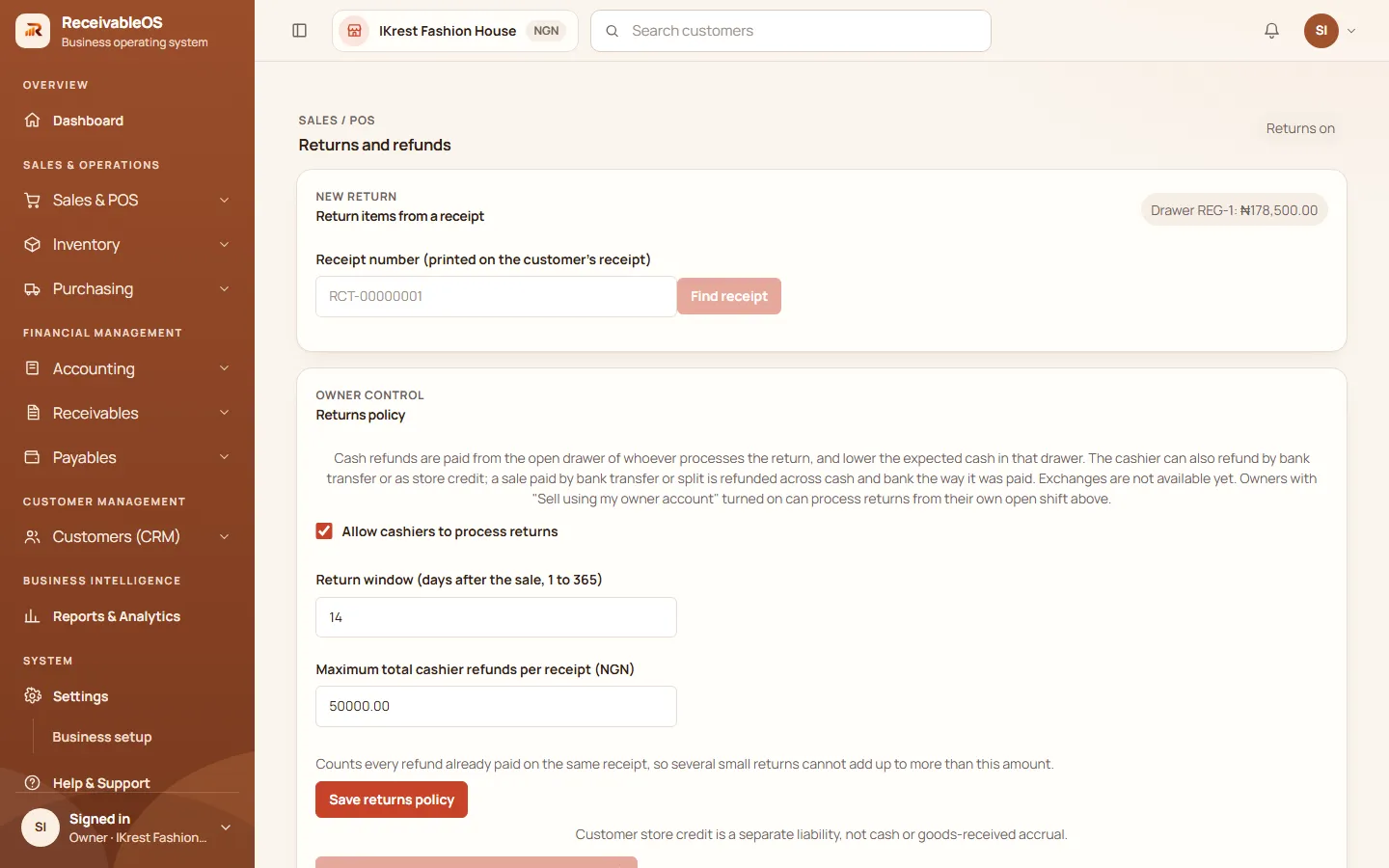
Steps
- Open Returns and refunds.
- Enter the receipt number printed on the customer’s receipt and choose “Find receipt”.
- Choose the items coming back, how many, and why: changed mind, defective or faulty, not as described, wrong item, or wrong size or fit.
- Refund in cash from the open drawer, by bank transfer, or as store credit if the owner has turned it on.
- Print the return slip with “Open slip”.
- For an exchange, choose “Exchange for another product” after picking the items coming back. Search for the new item and set how many the customer takes.
- The screen shows what the customer pays, or what they get back. Choose cash or bank transfer for the difference, then “Review exchange” and confirm.
- An exchange records a return slip and a new sale receipt together. Only the difference changes hands.
Good to know
- The owner sets the rules: whether cashiers may process returns, how many days a return is allowed, and the most that can be refunded per receipt. Save them with “Save returns policy”.
- Store credit is an option the owner turns on with “Enable customer store-credit account (2160)”.
Not available yet
- The difference in an exchange is paid in cash or by bank transfer. Store credit cannot be used for an exchange yet.